
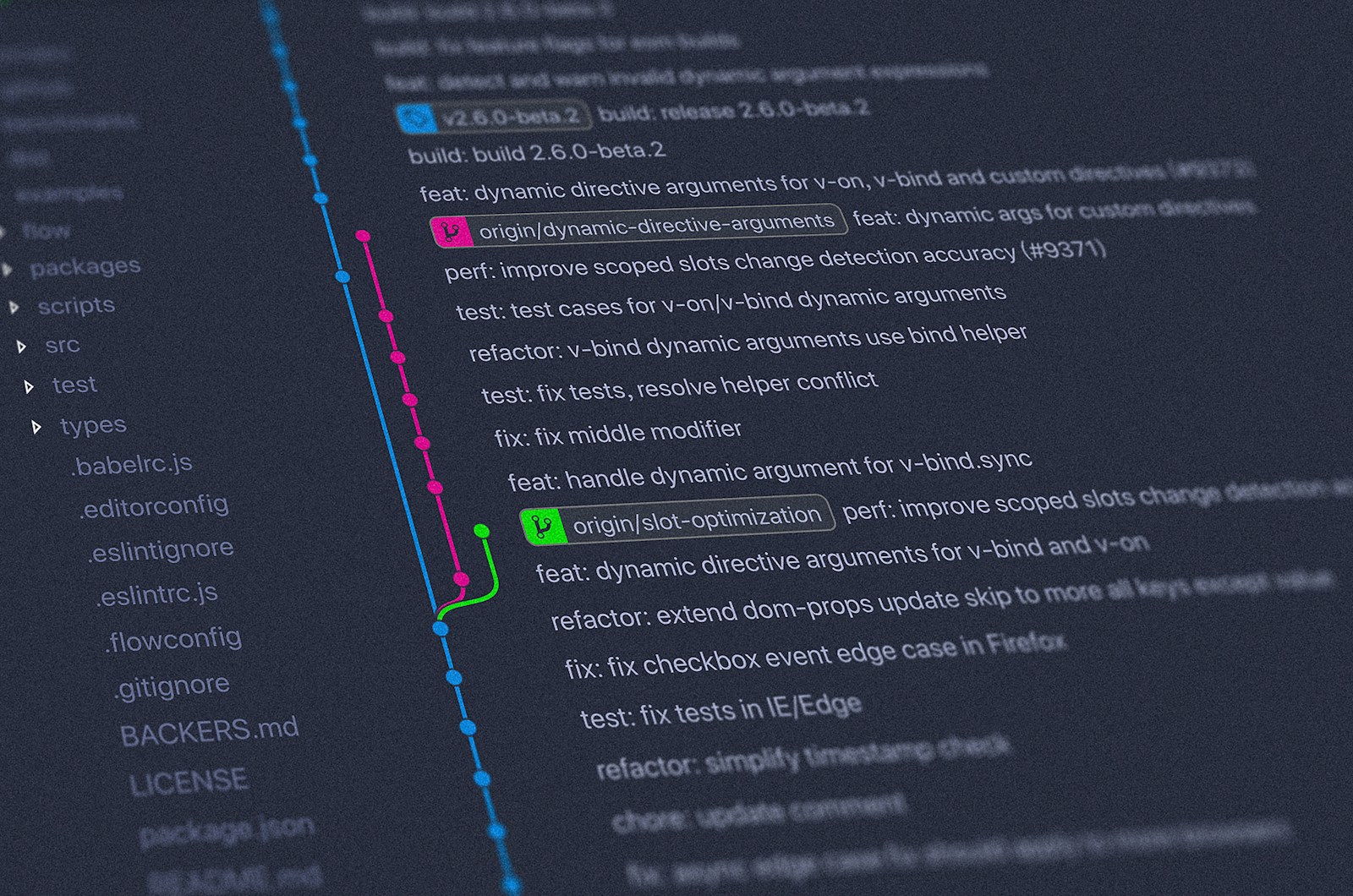
In the modern ecosystem of software development, integrating different tools and services can significantly streamline workflows, enhance collaboration, and boost productivity. Online text editors offer robust integration capabilities that allow developers to connect seamlessly with other essential tools and services. In this article, we’ll explore effective strategies and tips for integrating your online text editor with various tools to optimize your coding environment.
1. Version Control Systems (e.g., Git)
- Purpose: Integrate your online text editor with version control systems like Git to manage code repositories, track changes, and facilitate collaboration among team members.
- Integration Steps: Learn how to initialize Git repositories, commit changes, merge branches, and push/pull updates directly from your editor’s interface.
2. Project Management Tools
- Purpose: Integrate with project management tools such as Jira, Trello, or Asana to organize tasks, track project progress, and manage workflows effectively.
- Integration Benefits: Sync project tasks, milestones, and deadlines between your text editor and project management platform to maintain alignment and visibility across teams.
3. Collaboration and Communication Platforms
- Purpose: Integrate with communication tools like Slack, Microsoft Teams, or Discord to facilitate real-time communication, file sharing, and collaboration among team members.
- Integration Features: Utilize chat integrations, file attachments, and notifications to keep your team informed and engaged directly from your coding environment.
4. Cloud Services and Hosting Platforms
- Purpose: Integrate with cloud services and hosting platforms (e.g., AWS, Azure, Heroku) to deploy, test, and host applications seamlessly from your online text editor.
- Integration Steps: Configure deployment pipelines, manage server configurations, and monitor application performance without leaving your coding workspace.
5. Testing and Continuous Integration (CI/CD)
- Purpose: Integrate with CI/CD tools (e.g., Jenkins, CircleCI, Travis CI) to automate testing, code quality checks, and deployment processes as part of your development workflow.
- Integration Benefits: Implement continuous integration and delivery pipelines to ensure code reliability, streamline release cycles, and maintain project stability.
6. APIs and External Services
- Purpose: Integrate with APIs and external services to access additional functionalities, data sources, or third-party libraries directly within your coding environment.
- Integration Considerations: Understand API authentication, rate limits, and data handling practices to securely integrate external services with your online text editor.
Conclusion
Integrating your online text editor with other tools and services enhances collaboration, streamlines workflows, and boosts productivity in software development projects. By leveraging integration capabilities effectively, developers can create a unified coding environment that supports efficient development cycles, improves code quality, and accelerates project delivery.
